

Take control of every dollar you spend
Track expenses, manage supplier bills, record payments and monitor payables aging — with automatic accounting entries for everything.

| Expense | Supplier | Category | Total | Status |
|---|---|---|---|---|
| EXP-0128 | Office Supplies Ltd | Office | $420.00 | Paid |
| EXP-0127 | CloudHost Inc | Software | $199.00 | Paid |
| BILL-0065 | Logistics Co | Shipping | $1,850.00 | Pending |
| BILL-0064 | Prime Suppliers | Inventory | $4,200.00 | Overdue |
Know where every dollar goes
Categorise expenses, track bill aging, and surface spending trends — so you can control costs before they become a problem.
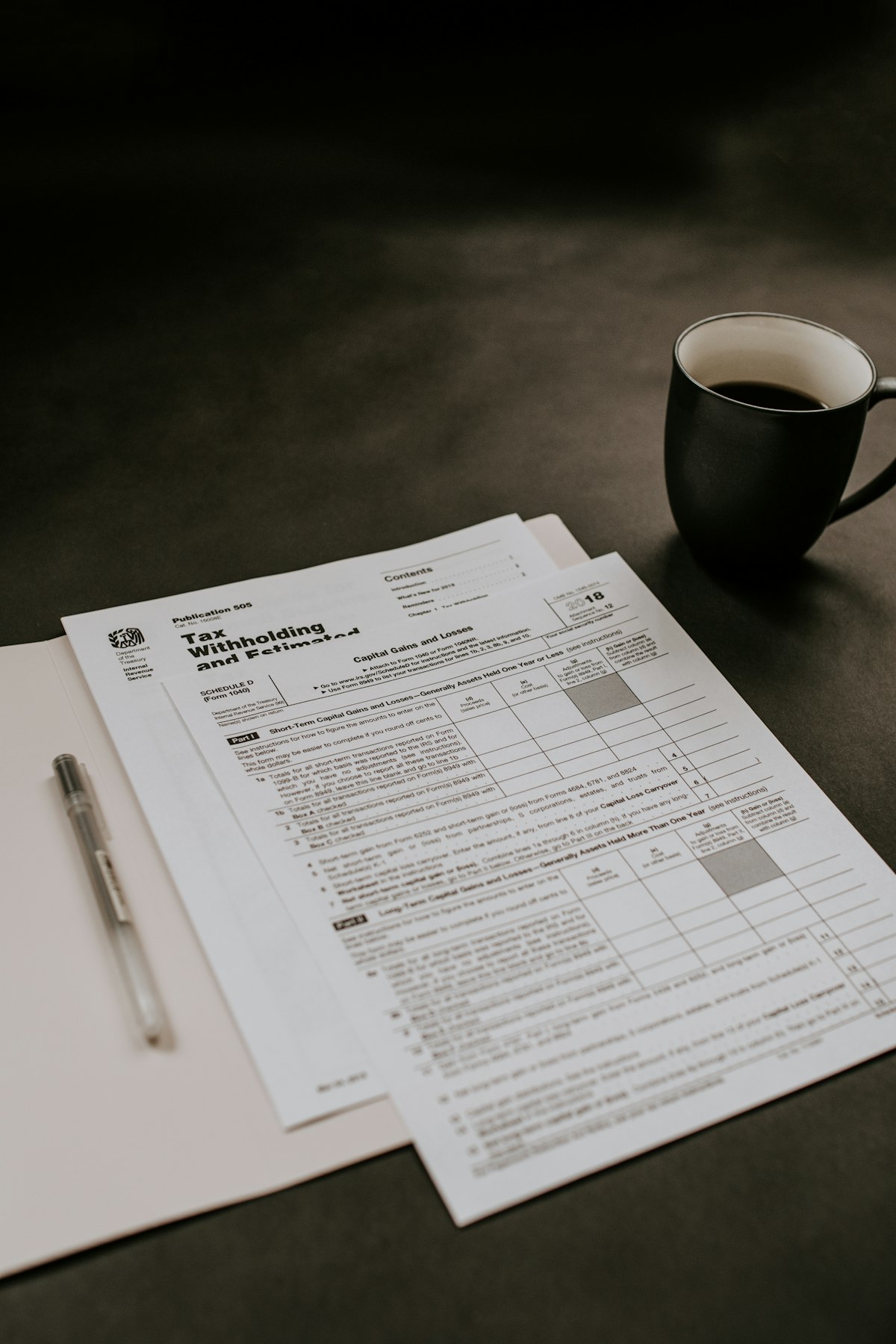
Every dollar tracked, every receipt captured
From supplier bills to team expenses, track every outgoing payment. Category-based insights show exactly where your money goes.
Expense tracking made simple
Record every expense with categories, suppliers and optional file attachments. See trends over time, compare budget vs actual.
- Customisable expense categories
- Assign to suppliers and warehouses
- Multi-line expenses with different accounts
- Attach receipts and supporting documents
- 8 expense reports including trends and budget vs actual
Bills, purchase orders & payables
Enter supplier bills with line items and tax. Create purchase orders and convert them to bills. Track payables aging and record payments.
- Supplier bill entry with line items and tax
- Purchase orders with one-click conversion to bills
- Partial and full bill payments
- Payables aging: Current, 1-30, 31-60, 61-90, 91+
- Supplier credit notes and refunds
- 10 purchase reports
| Bill # | Supplier | Total | Due | Status |
|---|---|---|---|---|
| BILL-0065 | Logistics Co | $1,850 | $1,850 | Unpaid |
| BILL-0064 | Prime Supplies | $4,200 | $4,200 | Overdue |
| BILL-0063 | TechParts | $980 | $0 | Paid |
Cheque management built-in
Issue, print, track and void cheques. WisoBooks maintains a full cheque register, clearance reports and outstanding cheques.
- Issue cheques with payee details and memo
- Print cheques on standard formats
- Track clearance status (Pending, Cleared, Voided)
- Cheque register and outstanding cheques report
- Auto journal entries for all cheque transactions
| Cheque # | Payee | Amount | Date | Status |
|---|---|---|---|---|
| CHQ-0045 | Logistics Co | $1,850 | 28 May 2025 | Pending |
| CHQ-0044 | TechParts Ltd | $980 | 22 May 2025 | Cleared |
| CHQ-0043 | Office Supplies | $420 | 18 May 2025 | Cleared |
Spot trends before they become problems
WisoBooks surfaces spending patterns across categories, suppliers, and time periods — so you can make smarter financial decisions.
- Expense trend report by month and category
- Supplier spending breakdown with top vendors
- Bill aging summary (Current, 1-30, 31-60, 61-90, 91+)
- Exportable PDF and Excel reports
Expenses & Bills FAQ
Can I track both expenses and bills?
How do I categorise expenses?
Can I attach receipts?
Does WisoBooks handle purchase orders?
Stop losing track of expenses
Start your free trial and bring clarity to your spending.
Free 14-day trial • No credit card • Cancel anytime
“Expense tracking on autopilot — I love it.” — Anita L., CPA