

Reconcile every account without the busywork
Bring in statements from any bank, let smart rules categorise and match transactions for you, and reconcile with confidence. Your cash position is always accurate and always current.

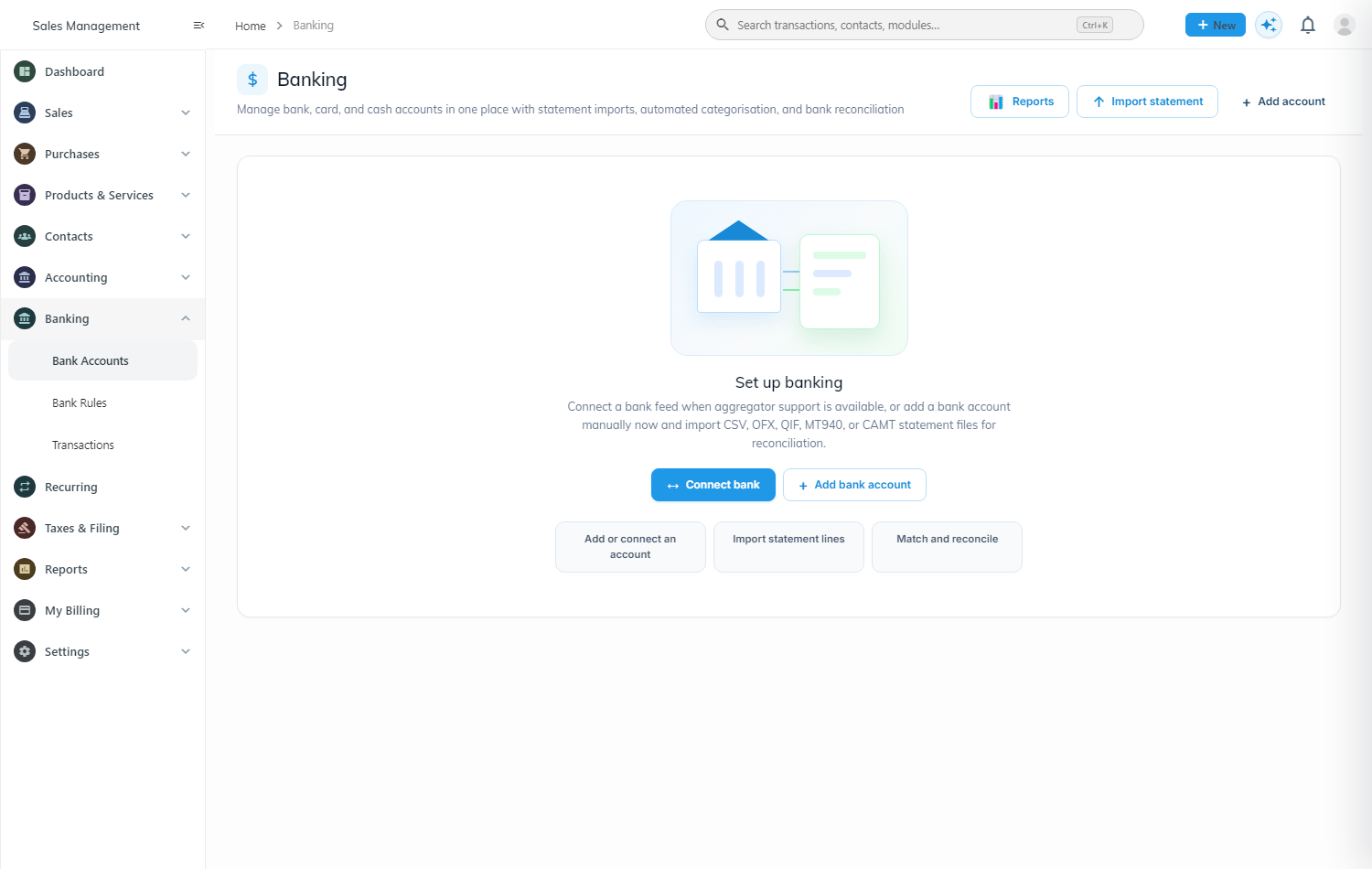
Every bank, card and cash account in one place
Add accounts manually and import statement files, or connect a feed where aggregator support is available. WisoBooks categorises, matches and reconciles so the books always agree with the bank.
Import statements from almost any bank
No feed? No problem. Upload a statement file in the format your bank provides and WisoBooks reads it, de-duplicates it, and lines it up against your records.
- CSV import for any bank export
- OFX and QIF support
- MT940 and CAMT.053 for corporate banking
- Bank, card and cash accounts
- Duplicate detection on every import
| Date | Description | Amount | Status |
|---|---|---|---|
| 28 Jun | Acme Corp | +$3,450 | Matched |
| 27 Jun | Prime Supplies | -$1,850 | Matched |
| 27 Jun | Bank fee | -$25 | Rule |
| 26 Jun | Unknown deposit | +$500 | Review |
Bank rules that categorise the boring stuff
Build rules from simple conditions and actions — when the description contains this, code it to that account and tax rate. Set them once and most of your statement reconciles itself.
- Condition-and-action rule builder
- Auto-assign account, tax and contact
- Run rules across imported transactions
- Only exceptions need your attention
Match and reconcile with total confidence
Match imported lines to invoices, bills and payments, clear them, and reconcile the account against the statement balance. Catch errors early and close the period clean.
- Match to invoices, bills and payments
- Reconcile against statement balance
- Spot duplicates and missing entries
- Always-accurate cash position on your dashboard
| Account | Statement | In WisoBooks | Status |
|---|---|---|---|
| Main current account | $48,250 | $48,250 | Cleared |
| Business card | -$3,180 | -$3,180 | Cleared |
| Petty cash | $420 | $445 | Review |