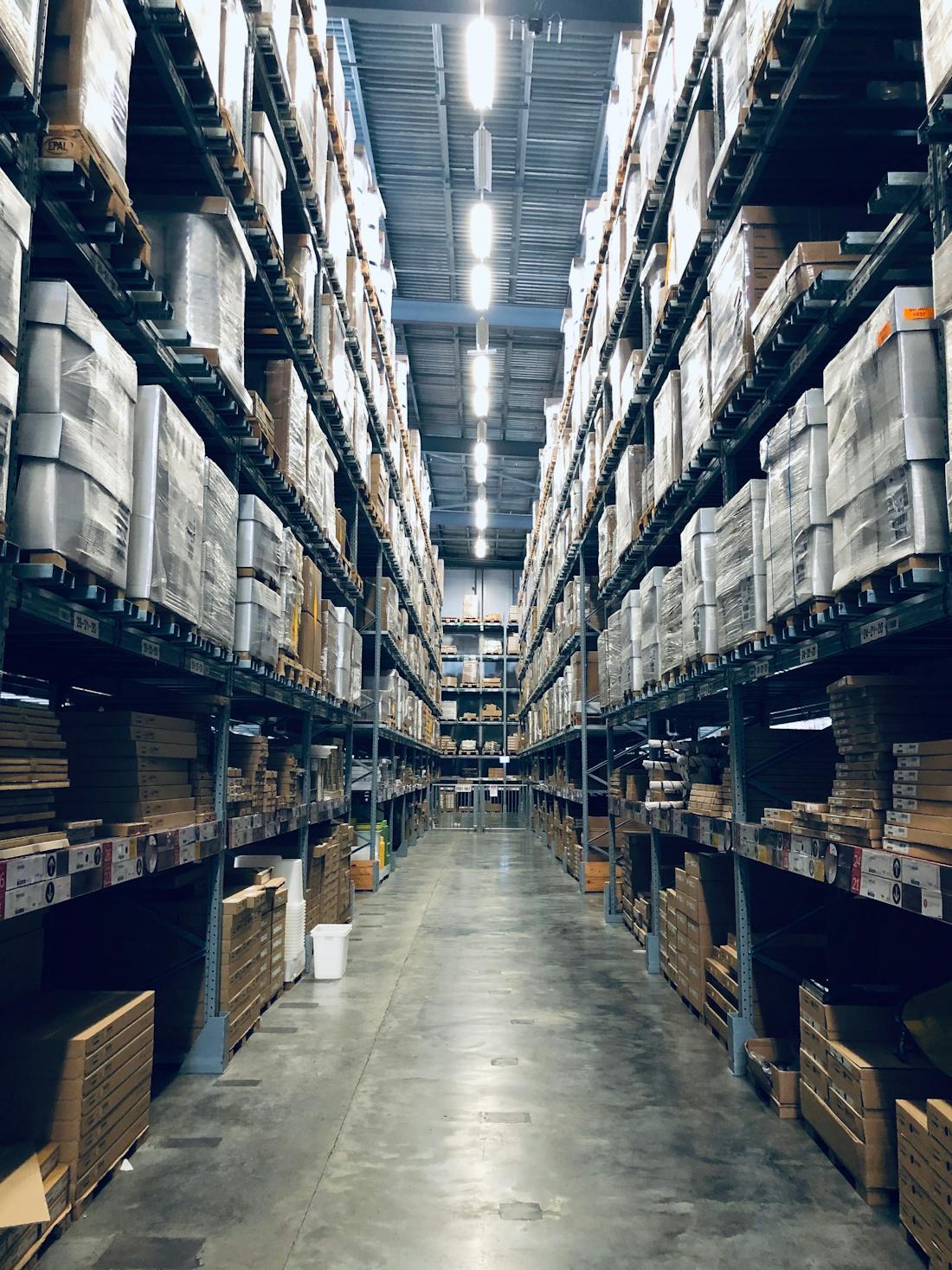
Track stock across every location.
Run one warehouse or fifty. WisoBooks keeps an accurate quantity-on-hand for every item at every site, moves stock between locations with full in-transit control, and scopes users and reports by warehouse.
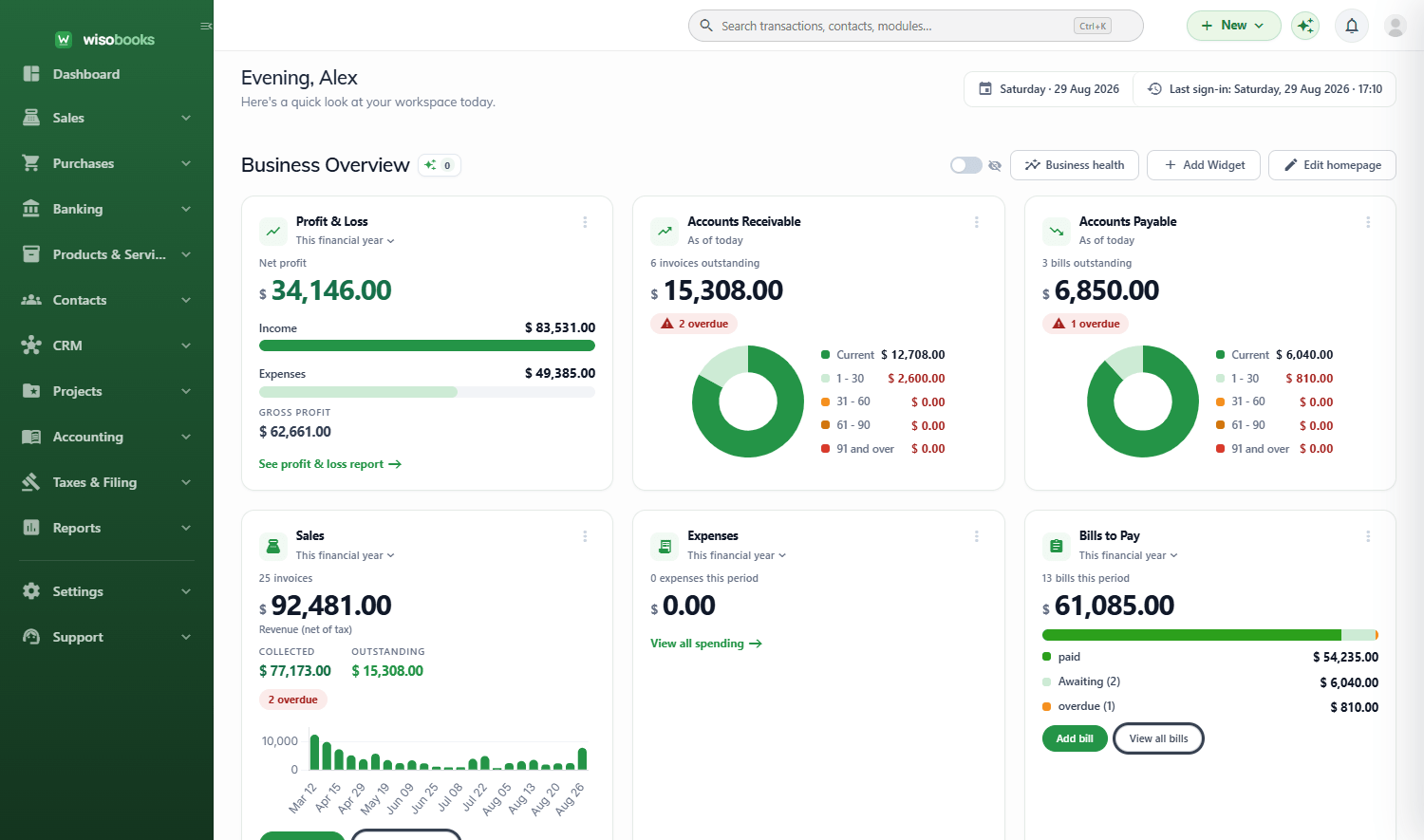
Real stock levels for every warehouse
Every sale, purchase, transfer and adjustment updates the quantity on hand at the right location. Moving-average cost is maintained per item so your inventory valuation is always correct.
- Unlimited warehouses / locations (by plan)
- Quantity on hand tracked per item, per site
- Moving-average costing and stock valuation
- Low-stock and reorder alerts
| Item | Main | Downtown | Depot |
|---|---|---|---|
| Widget A | 120 | 34 | 500 |
| Widget B | 0 | 18 | 240 |
| Gadget C | 76 | 76 | 0 |
Watch a transfer move, state by state
Stock leaves the source, travels safely in transit, and lands on receipt — never double-counted, never lost.
1. Draft — plan the move
Pick a source and destination warehouse, add the lines and quantities, and save the transfer as a draft. Nothing has left your shelves yet.
- Source and destination on one document
- Per-line quantities with available-stock checks
- Edit freely until you dispatch
| Item | Qty | Status |
|---|---|---|
| Widget A | 50 | Draft |
| Gadget C | 20 | Draft |
2. In transit — stock is on the road
Dispatch the transfer and stock leaves the source immediately, held in an in-transit state so it is neither sellable at either end nor lost from your valuation.
- Source stock reduced the moment you dispatch
- Goods held in transit, still on your books
- No double-counting at either location
| Location | On hand | In transit |
|---|---|---|
| Depot | 430 | — |
| In transit | — | 70 |
| Main | 120 | — |
3. Received — land it, even partially
Receive the transfer at the destination, in full or line-by-line. Stock lands at the new site and the audit trail records who moved what, when.
- Full or partial receipts per line
- Destination stock increases on receipt
- Complete stock-movement audit per item
| Transfer | From / To | Status |
|---|---|---|
| TRF-0031 | Depot → Main | Received |
| TRF-0030 | Main → Downtown | Received |
Move stock without ever losing count
Transfer inventory between warehouses through a clean draft, in-transit and received flow. Goods leave the source immediately, sit in transit while they travel, and land in the destination on receipt — so nothing is ever double-counted.
- Three-state transfers with an in-transit holding state
- Partial receipts and per-line quantities
- Auto-numbered transfer documents
- Full stock-movement audit per item
| Transfer | From / To | Status |
|---|---|---|
| TRF-0031 | Depot → Main | In transit |
| TRF-0030 | Main → Downtown | Received |
Scope people and numbers to a site
Give branch staff a warehouse-scoped role so they only work with their location's stock and orders, while head office sees the full picture across every site.
- Warehouse-scoped user roles (All / Warehouse / Own)
- Per-warehouse stock, sales and purchase reports
- Opt-in module — single-warehouse businesses stay simple