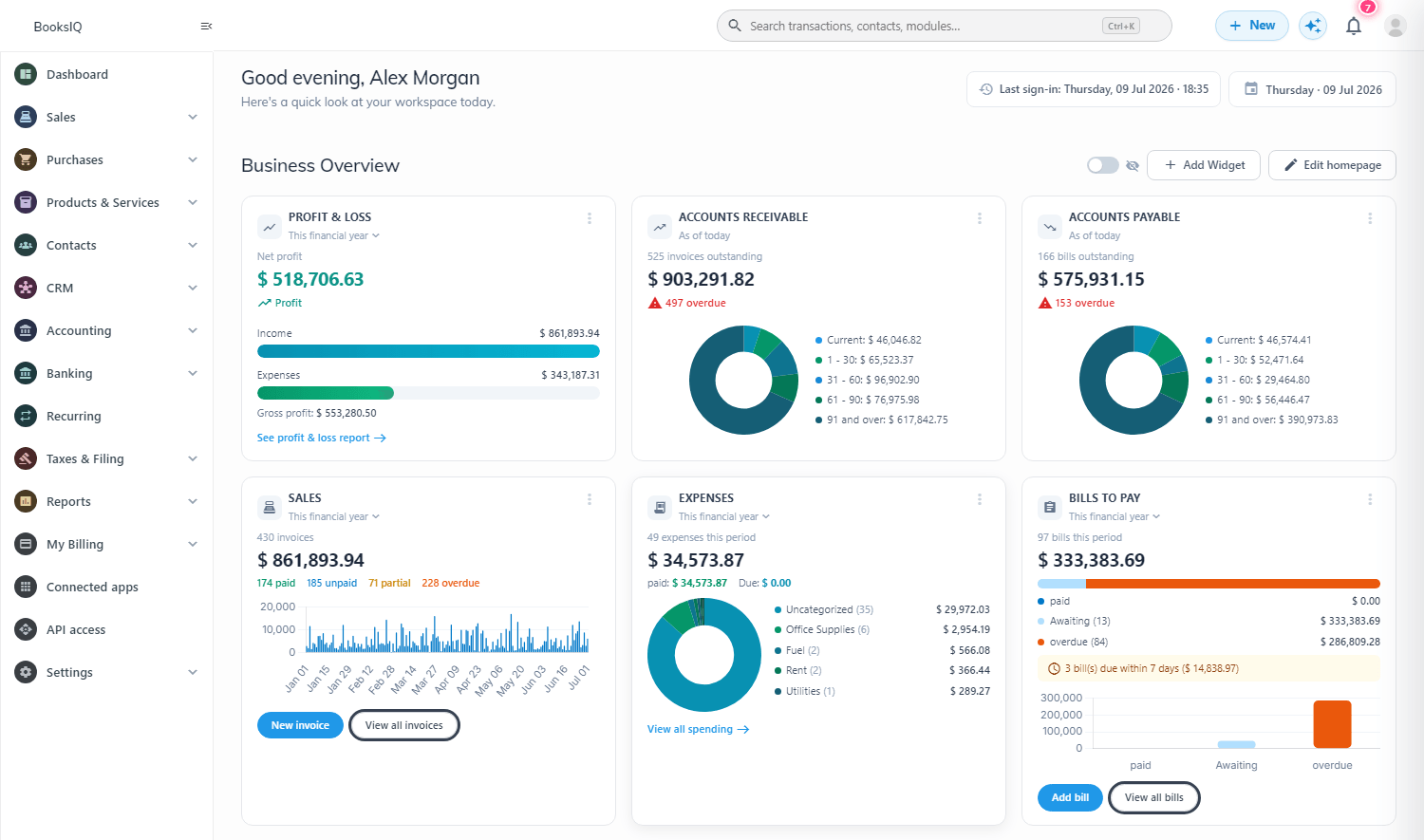
Trade globally. Report in one currency.
Sell and buy in any currency your customers and suppliers use. WisoBooks records the document currency and its exchange rate on every transaction, posts realized and unrealized FX automatically, and always ties your books back to your base currency.
Invoice, bill and get paid in any currency
Choose the currency on any invoice, bill, quote, credit note or payment. The exchange rate is captured at the moment of the transaction, so your foreign-currency documents and your ledger never drift apart.
- Per-document currency + editable exchange rate
- Customer & supplier balances tracked in their own currency
- Foreign-currency bank accounts and payments
- Every journal stores document currency, rate and base amount
| Invoice | Currency | Rate | Base (USD) |
|---|---|---|---|
| INV-1042 | EUR 1,200 | 1.08 | $1,296 |
| INV-1043 | GBP 800 | 1.27 | $1,016 |
| INV-1044 | AED 5,000 | 0.27 | $1,361 |
One engine, every foreign-currency workflow
From the first foreign quote to the month-end close, the same currency engine keeps every part of your books in sync.
Sell abroad without spreadsheets
Quote and invoice each customer in the currency they expect, while your receivables and revenue report in base currency automatically.
- Foreign-currency quotes, invoices and receipts
- Aged receivables in both document and base currency
- Realized FX booked the moment a foreign invoice is paid
| Customer | Currency | Balance |
|---|---|---|
| Nord AB | EUR | €6,400 |
| Gulf Retail | AED | د.إ 22,000 |
| Metro Ltd | GBP | £1,850 |
Pay suppliers in their currency
Record bills and supplier payments in any currency, with payables and input tax always reconciled back to base.
- Foreign bills, purchase orders and supplier payments
- Aged payables in document and base currency
- Realized FX on settlement, posted to the right account
| Supplier | Bill | Currency | Base (USD) |
|---|---|---|---|
| Shenzhen Co | BILL-88 | CNY 42,000 | $5,880 |
| Bavaria GmbH | BILL-91 | EUR 3,100 | $3,348 |
Hold and reconcile foreign bank accounts
Keep a bank account per currency, import statements, and reconcile each one without ever leaving your ledger.
- One bank account per trading currency
- Reconcile foreign statements with base-currency GL
- Transfers between currencies capture the conversion rate
| Account | Currency | Balance |
|---|---|---|
| USD Operating | USD | $48,200 |
| EUR Wallet | EUR | €12,900 |
| GBP Reserve | GBP | £7,400 |
Close the month in one click
Revalue every open foreign balance at the period-end rate and post the unrealized movement automatically, fully audit-traced.
- One-click revaluation of all open foreign balances
- Unrealized gain/loss posted to dedicated GL accounts
- Reversing entries keep the next period clean
| Account | Open FX | Revalued | Unrealized |
|---|---|---|---|
| AR — EUR | €4,000 | $4,340 | +$120 |
| AP — GBP | £2,000 | $2,520 | −$40 |
Realized & unrealized FX, handled for you
When a foreign invoice is paid at a different rate, WisoBooks posts the realized gain or loss automatically. At period-end, one click revalues every open foreign balance and books the unrealized movement — fully audit-traceable.
- Automatic realized gain/loss on foreign settlements
- One-click month-end FX revaluation of open balances
- Dedicated FX gain/loss GL accounts, posted correctly
- As-of-date rates so historical reports stay accurate
| Account | Open FX | Revalued | Unrealized |
|---|---|---|---|
| AR — EUR | €4,000 | $4,340 | +$120 |
| AP — GBP | £2,000 | $2,520 | −$40 |
One base currency for every report
However many currencies you trade in, your P&L, balance sheet, trial balance and dashboards all consolidate into your base currency — with the multi-currency detail one click away.
- Base-currency financial statements that always balance
- Currency columns on aged receivables/payables
- Plan-gated: switch multi-currency on when you need it